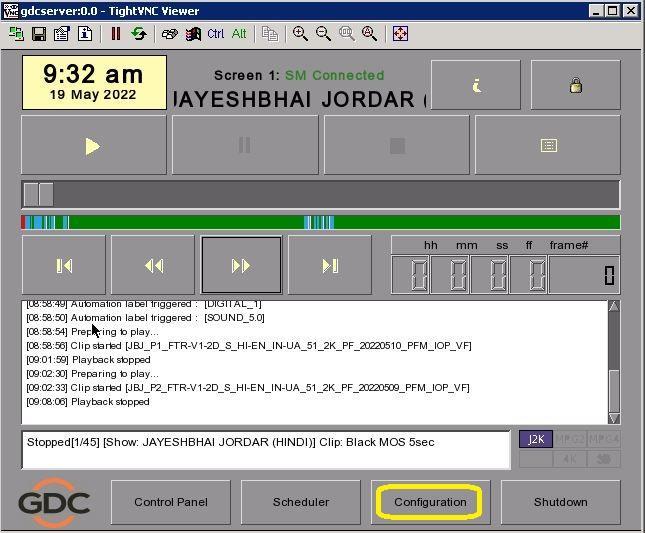
- Click on Configuration
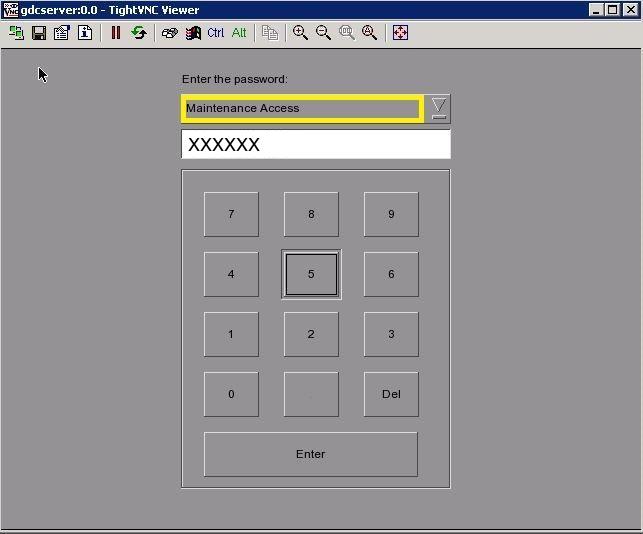
- Click on User name select maintenance access – enter the password and click on enter
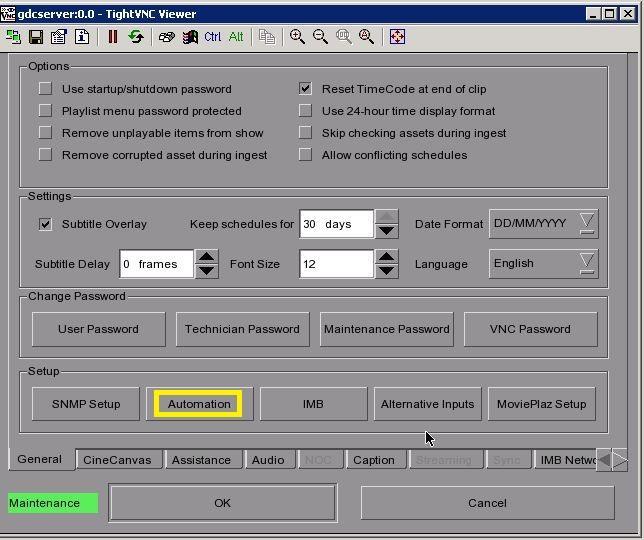
- Click on Automation
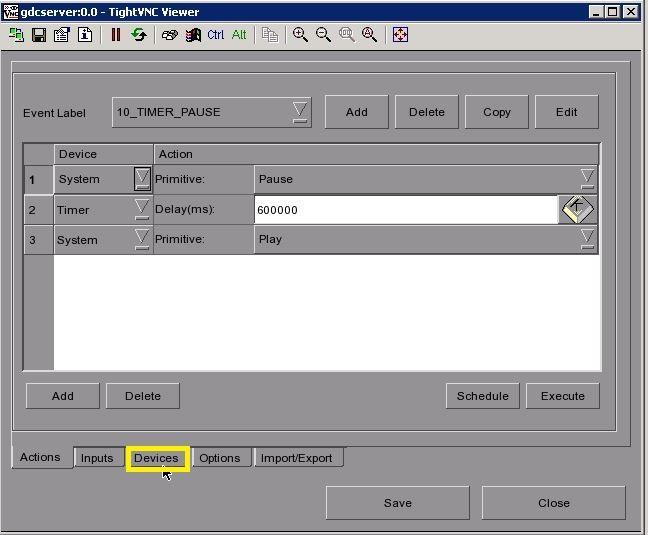
- Click on Device
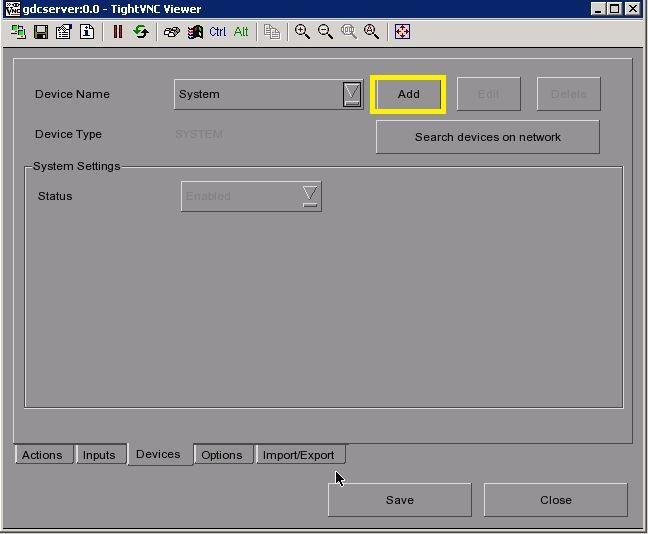
- Click on Add
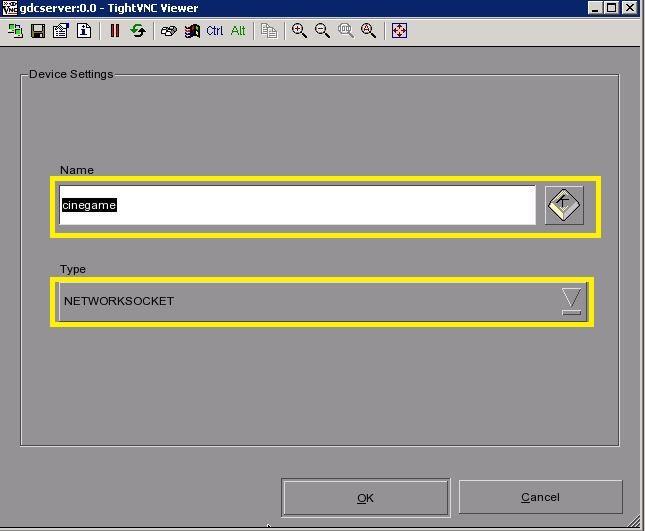
- Write Name as Cinegame - Select Type as NETWORK SOCKET – click OK
- Select Device name – Input device IP address – Port - Than click on edit control cues
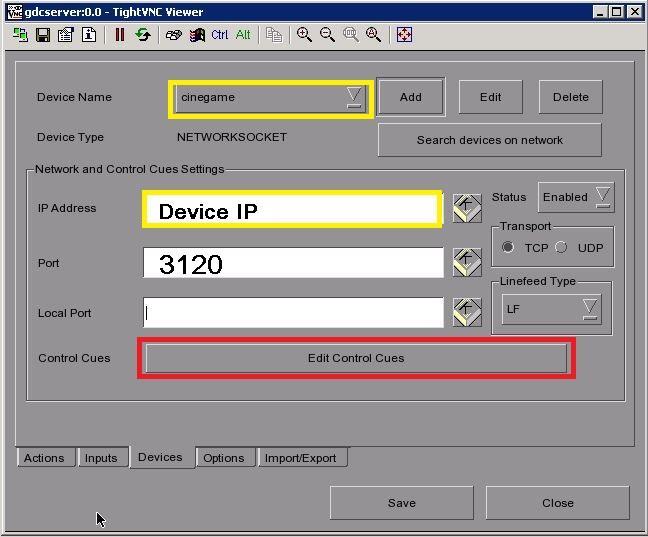
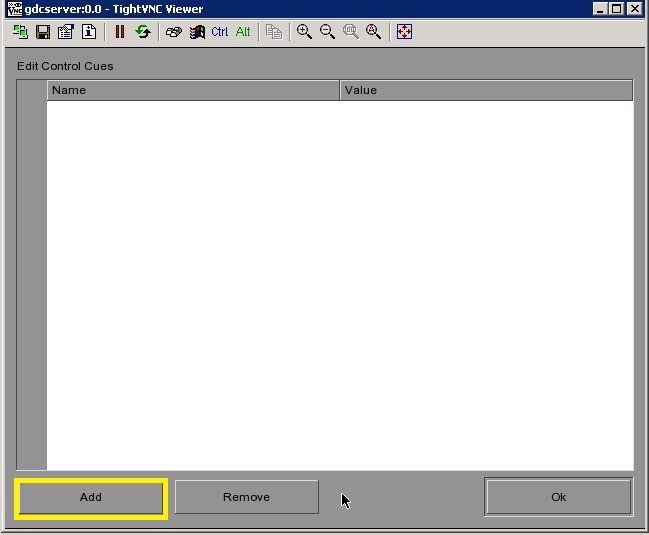
- Edit control cues – Click on Add
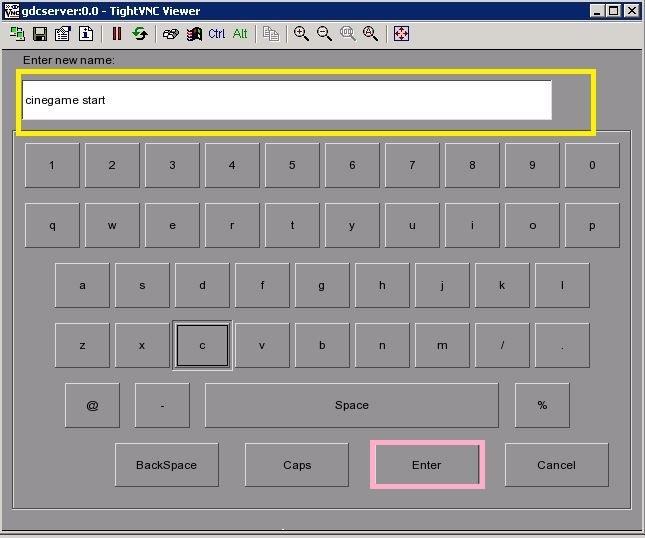
- Enter Cue Name as Cinegame Start - Click on Enter
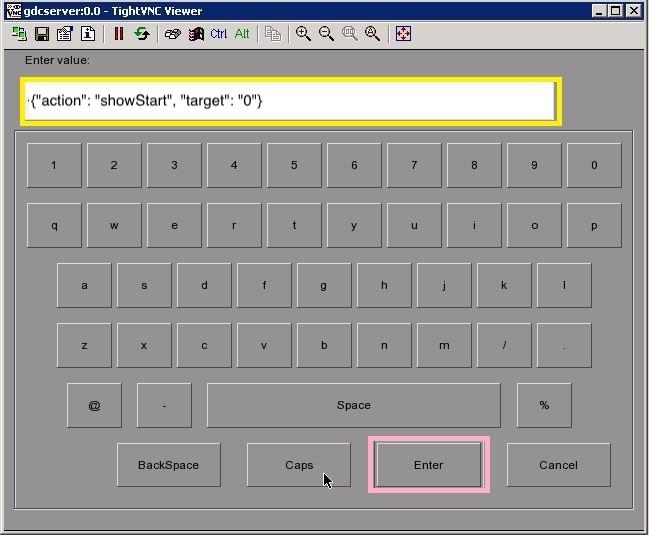
- Enter value – {“action”:”showStart”,”target”:”0”} – than click on Enter
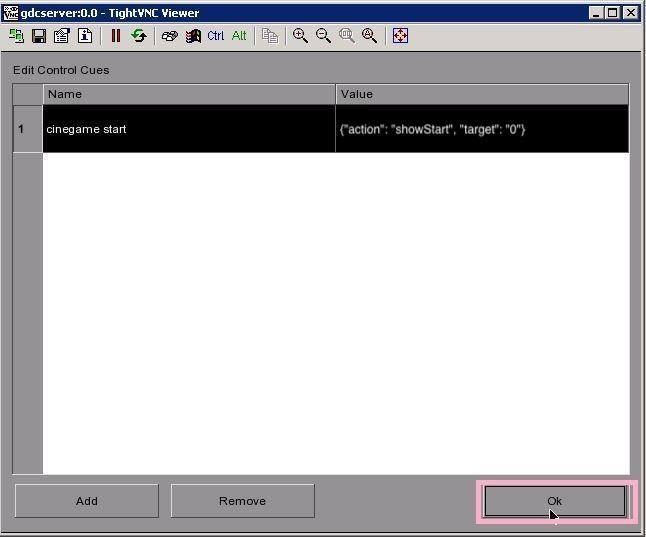
- Click on OK
- Click on Action than click on ADD
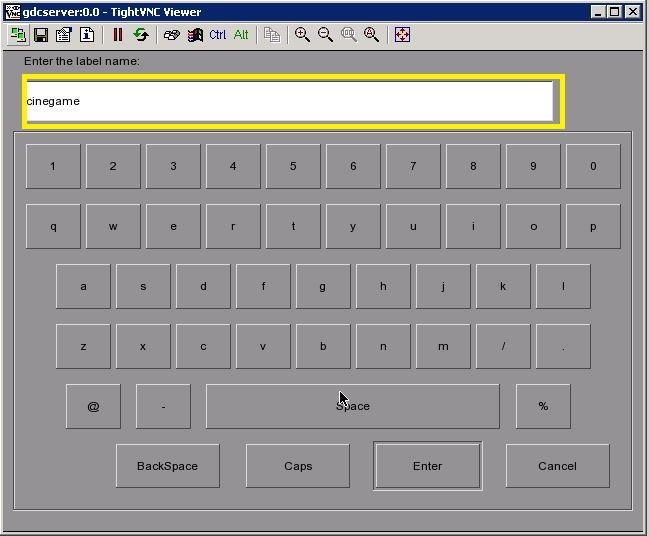
- Enter name as Cinegame – Click on Enter
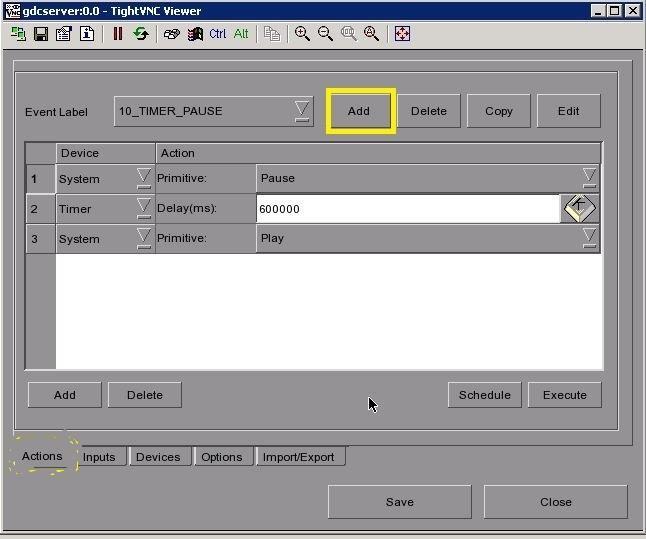
- Select event label Cinegame than click on Add
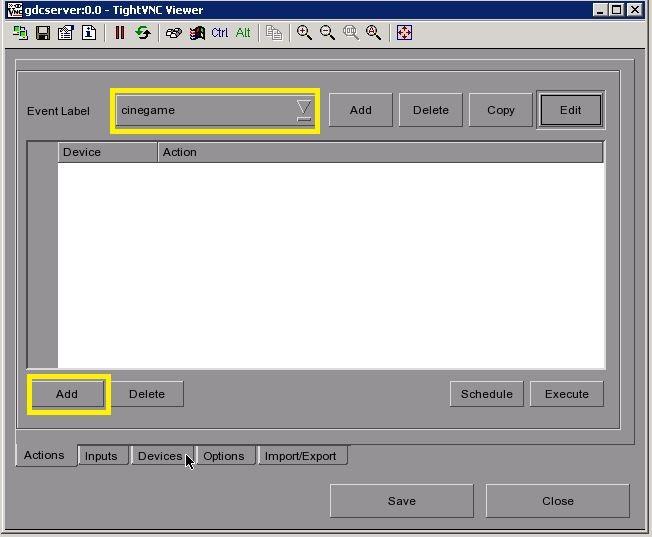
- Click on Drop down and Select Cinegame
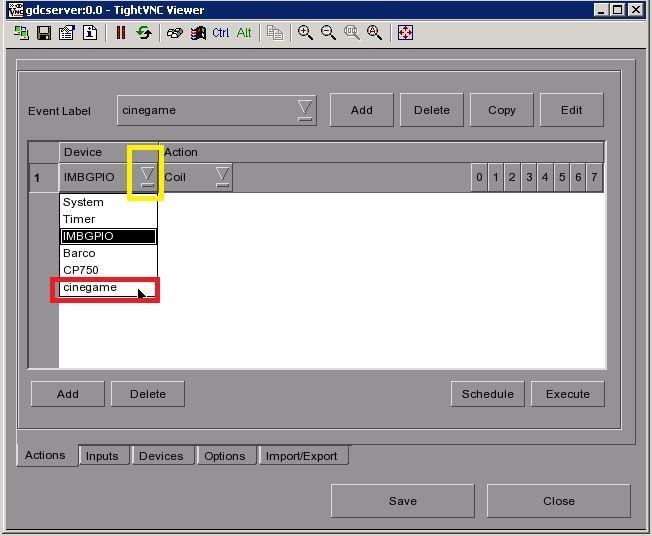
- Click on action select cinegame start - than click Save
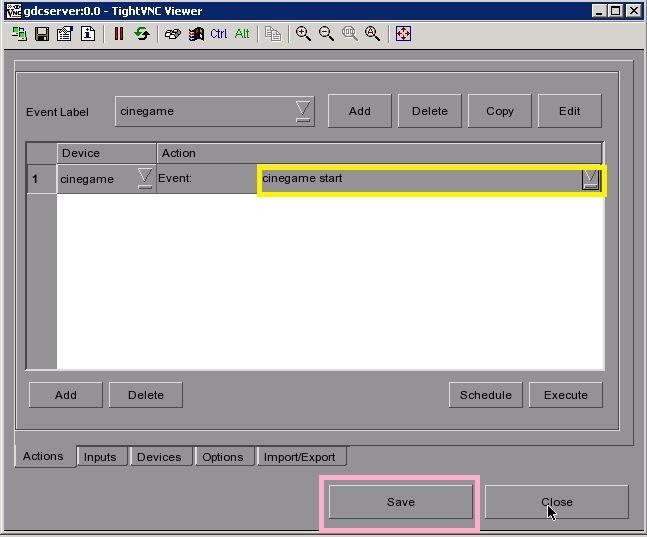
- Cinegame cue is ready
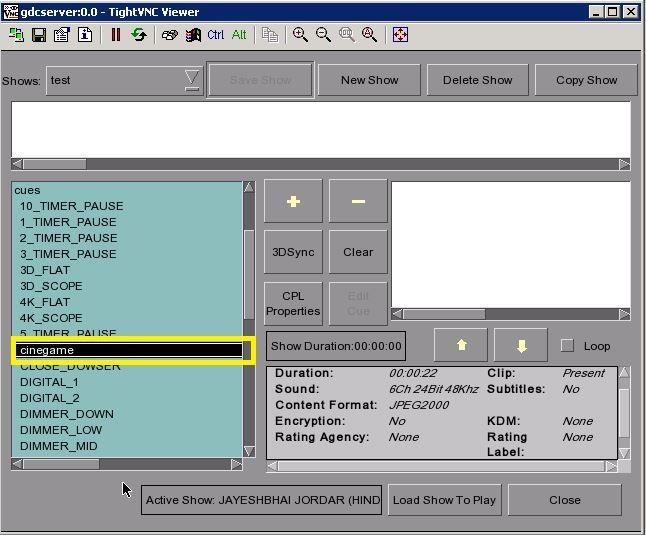
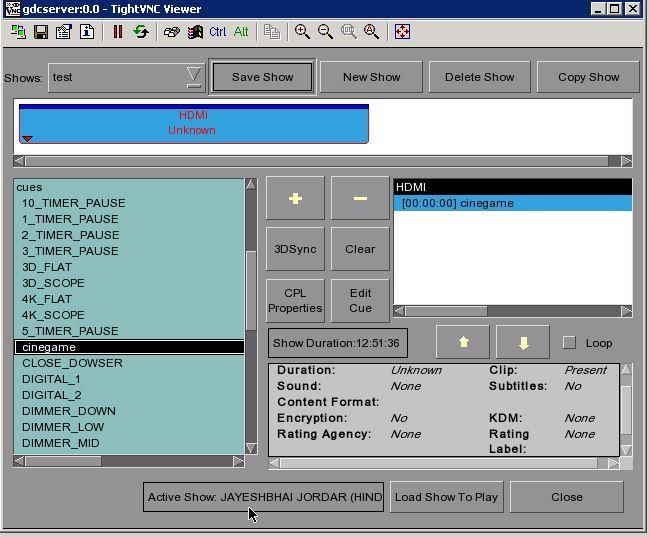
- Playlist select HDMI first - than Select Cinegame cue